 PixelCircles
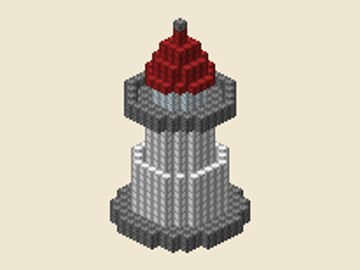 Small lighthouse
READY-MADE BLOCK PLANS
Minecraft Build Ideas
These minecraft build ideas are ready-made minecraft build templates: open a castle wall, tower, lighthouse, roof or round build and get the exact plan in the generator. Every build opens in the generator and can download a .litematic file. The gallery has 62 builds from 9 to 4,320 blocks, calculated by the same engine that makes every layer and download.
62build templates9–4,320 blocks
Small lighthouse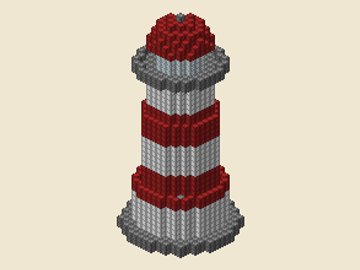 Classic red and white
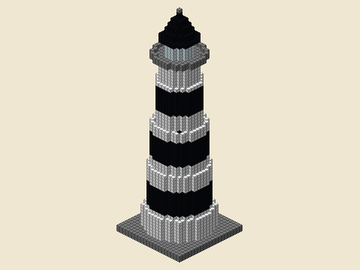 Tall tower
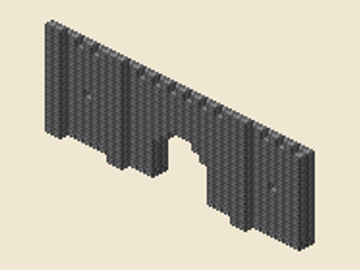 Castle wall
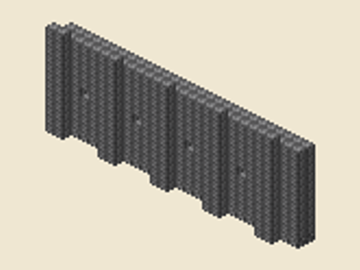 Stone wall with pillars
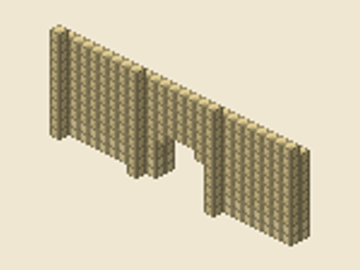 Desert wall
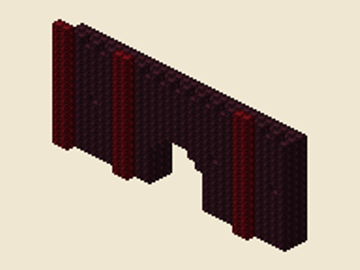 Nether fortress wall
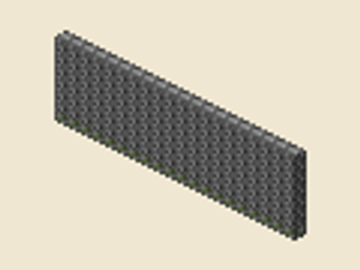 Mossy garden wall
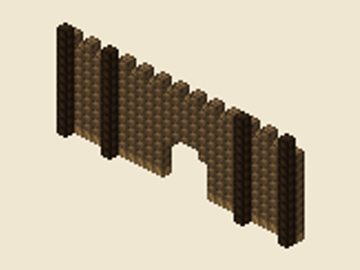 Wood palisade
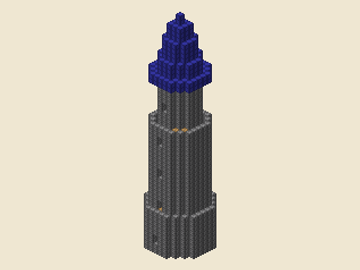 Wizard tower
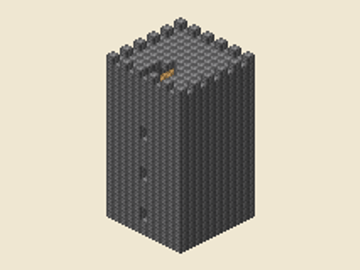 Castle tower
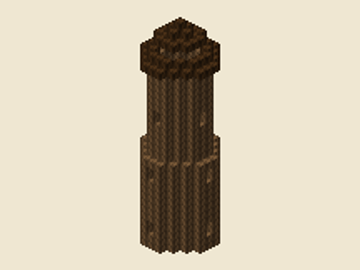 Watchtower
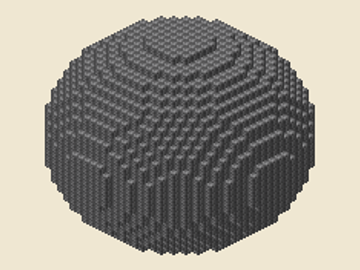 Sphere 31
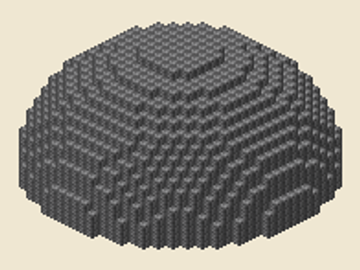 Dome 31
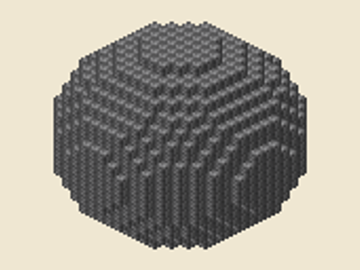 Sphere 21
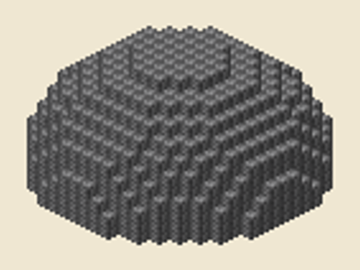 Dome 21
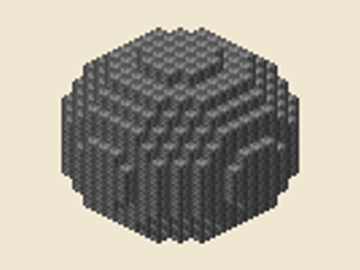 Sphere 15
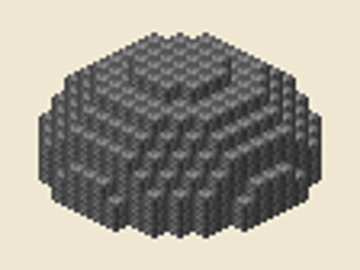 Dome 15
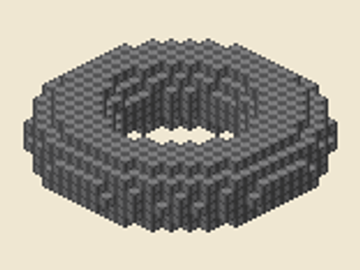 Donut (8 / 3)
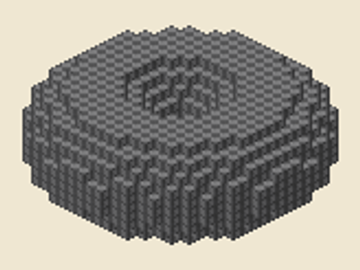 Fat donut (7 / 5)
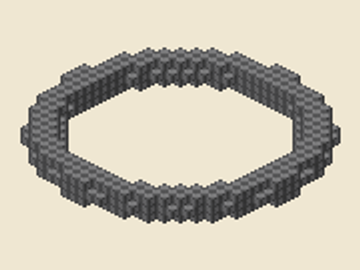 Thin ring (12 / 1)
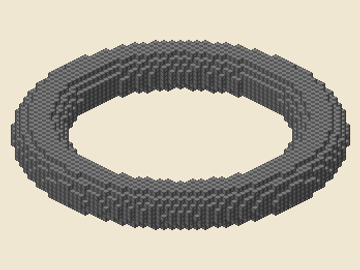 Big ring (24 / 4)
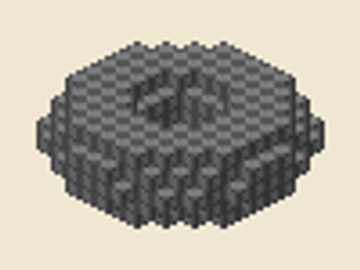 Small ring (4 / 2)
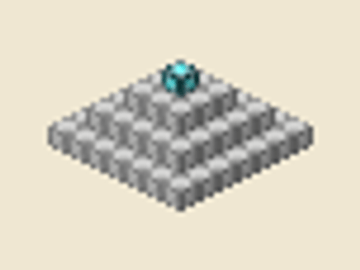
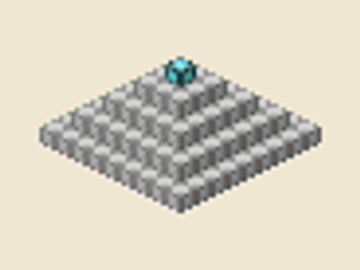 Level 4 beacon
 Level 3 beacon
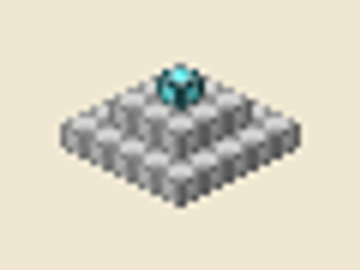 Level 2 beacon
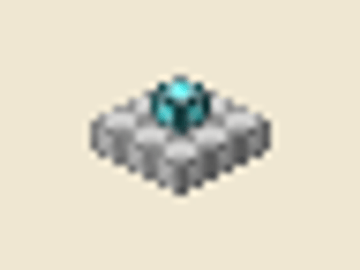 Level 1 beacon
 Doorway (3 × 4)
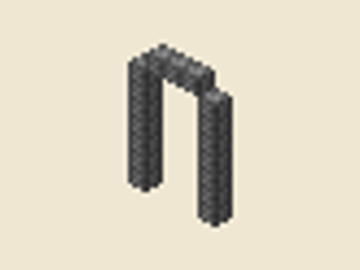 Window (5 × 8)
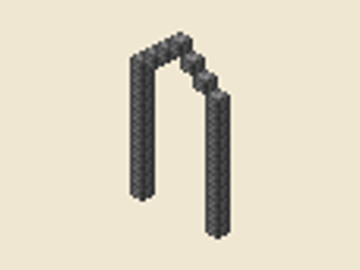 Gothic window (7 × 14)
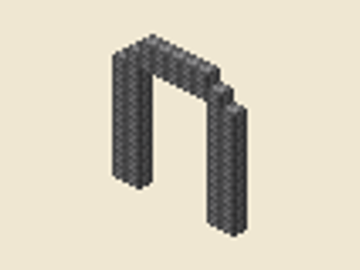 Gate (9 × 11)
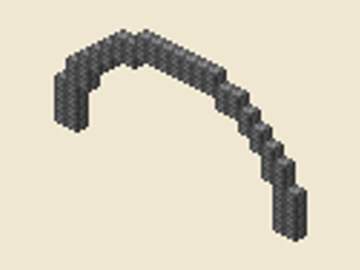 Bridge (21 × 11)
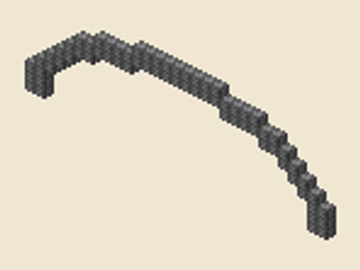 Wide oval arch (31 × 10)
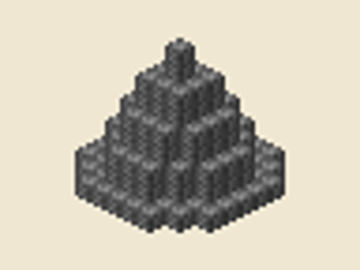 Cone roof 9 × 9
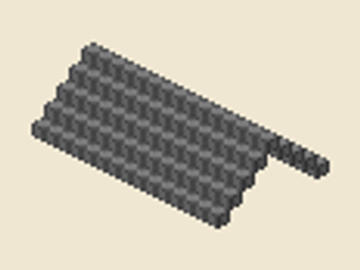 Gable roof
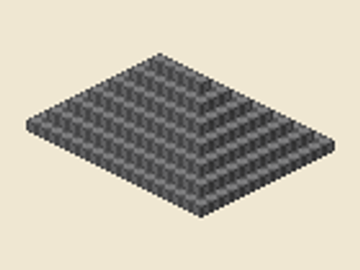 Hip roof
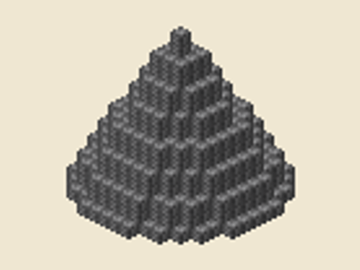 Cone roof 15 × 15
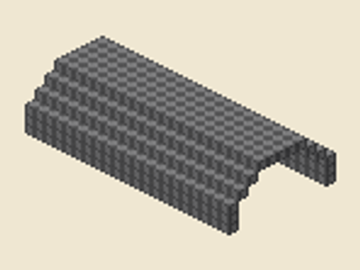 Curved roof
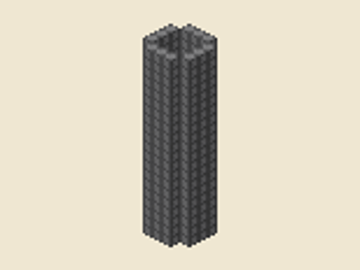 Pillar (5 × 20)
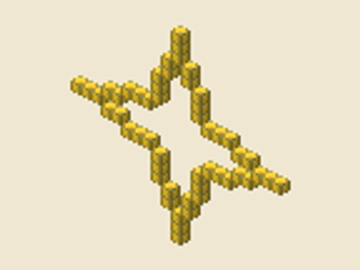 Shuriken (4)
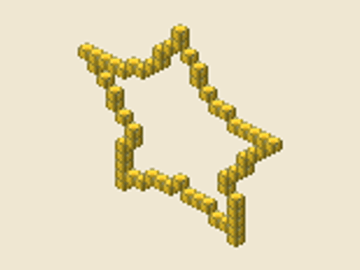 Chubby star (5)
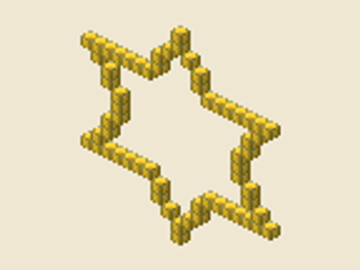 Star of David (6)
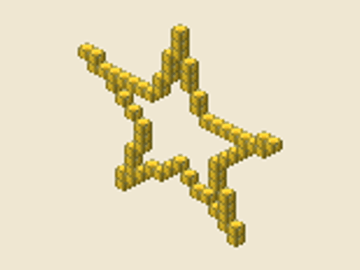 Classic star (5)
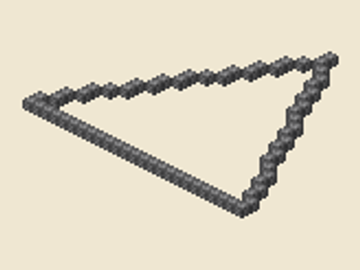 Triangle (3)
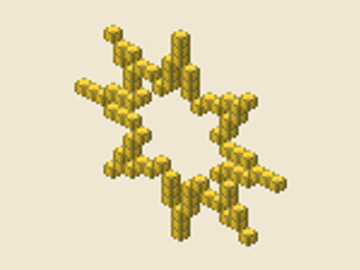 Sun rays (8)
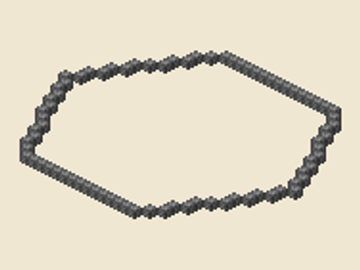 Hexagon (6)
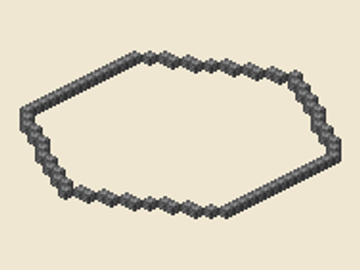 Hexagon, point up (6)
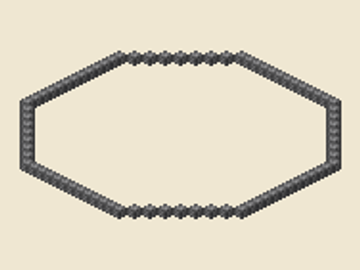 Octagon (8)
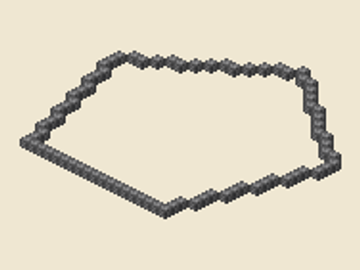 Pentagon (5)
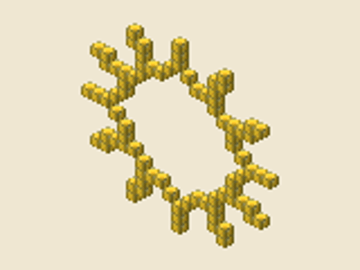 Snowflake (12)
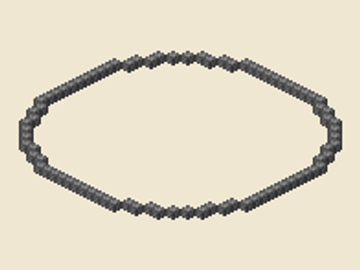 Dodecagon (12)
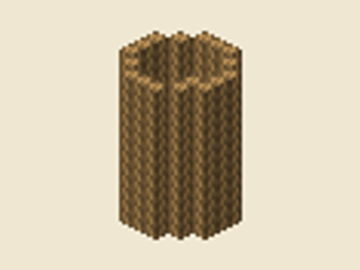 Short oak stair
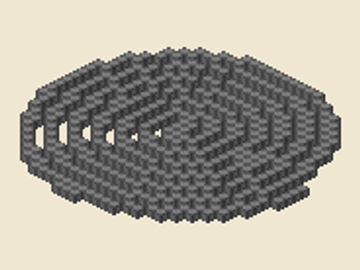 Tight (7)
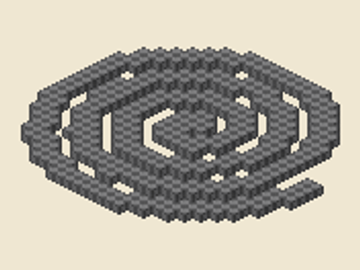 Standard (4)
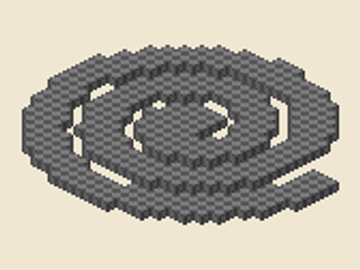 Loose (3)
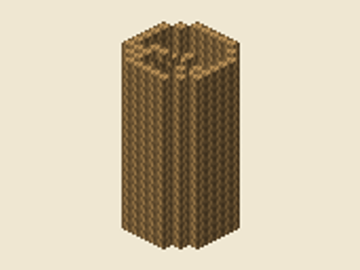 Tall oak stair
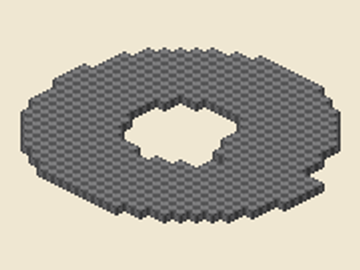 Ring (well)
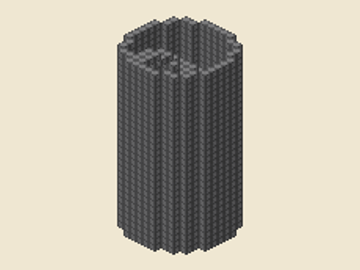 Wide stone stair
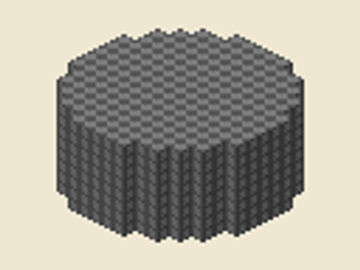 Solid drum (15 × 8)
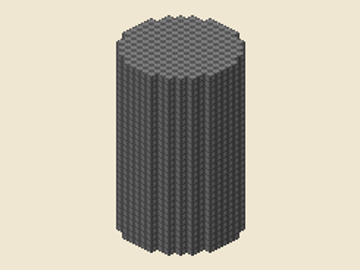 Silo (15 × 30)
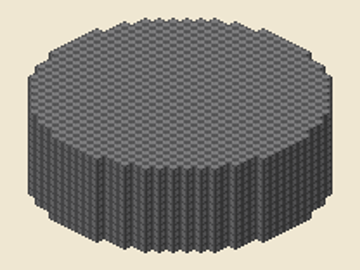 Tank (31 × 12)
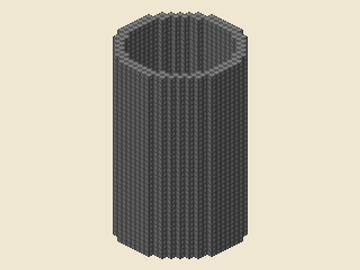 Tower (21 × 40)
Bridges
These Minecraft bridge designs use the arch engine, so each card shows the exact blocks for its span and depth.
How to use these Minecraft build ideas
A finished build is easier to start when the decisions are already made. Pick a card by silhouette and size, then open it to see the same plan the gallery used for its count. These Minecraft build ideas expose every layer and material group instead of hiding the structure in a single screenshot. That makes them useful for an easy Minecraft build, a repeatable survival project or a larger creative-world landmark.
Easy Minecraft build ideas for survival
Begin at the bottom layer. Place the foundation, switch to the next numbered layer, and keep the centre line or corner aligned with the layer below. Round builds use a square grid even when the outline is curved; the empty corners are intentional. Towers and lighthouses repeat rings as they rise, while walls and gates are easiest to build from one end so the pillar spacing stays consistent. Roofs and domes are safest when you follow the layers in order rather than trying to guess the curve from the outside.
The block total on every card is the number of occupied cells in the linked engine output. The stacks line is a planning shortcut: a stack is 64 blocks, with a remainder shown when the count is not exact. It is not a materials shopping list for every colour until you choose the block palette in the generator. Select the block you want, and the material groups update with the plan. You can then save a PNG for a quick reference, inspect the 3D model, or download a .litematic file for a compatible editor.
Use the category buttons to narrow the gallery without losing any cards when JavaScript is disabled. The default Featured order puts large, useful landmarks first: lighthouses, walls, towers, large domes and spheres, rings, then beacon levels. Choose Fewest blocks first for an approachable project or Most blocks first when you are planning a major build; there is no popularity or release-date data behind these choices. When comparing Minecraft build ideas, start with the silhouette and block total that fit your available time.
For a reliable Minecraft build, clear a flat footprint at least one block wider than the plan, mark the corners with temporary blocks, and keep a chest nearby for the current material group. When the shape is tall, work from scaffolding and compare the 3D view before placing the roof. Every linked URL preserves the card's size and settings, so you can return to the exact build later or share the plan with another builder.
Frequently asked questions
Are these Minecraft build templates free?
Yes. Every build opens the matching PixelCircles generator, where the block plan and downloadable files are free to use.
Do the numbers match the generator?
Yes. Each card is calculated from the same shape engine as the generator, so the linked page recreates the card count.
How many blocks do these Minecraft build ideas need?
The cards range from small practice projects to large landmarks, with an exact block count and stack estimate shown for every plan.
What does a build include?
Depending on the generator, you get a layer-by-layer plan, a 3D view, material groups and a .litematic download.
Which ideas are easiest for a first build?
Start with the small towers, short walls, arches and 15-block round builds. They have fewer repeated layers and make good practice projects.
Can I change the block material?
Yes. Open a card, choose a material in the generator, then copy the new link or download the updated plan.