 PixelCircles
Pixel Art Grid Maker
A 32 × 32 pixel art grid has 1,024 squares and a 64 × 64 grid has 4,096. This pixel art grid maker turns any picture into a grid of coloured squares, using 8, 16 or 32 of its own colours or 36 bead colours, and counts the squares of each colour. The image never leaves your browser.
| Colour | Coloured squares |
|---|
- Coloured squares
- –
- Squares in grid
- –
- Width × height
- –
- Colours
- –
- Placed
- 0 / 0
Drop an image on the grid, or click a square to mark it done.
Everything runs in your browser. The image is never uploaded.
Keys: ↑↓ width · E tools
The numbers on the edges count the coloured squares in each row and column.
Use the grid as a chart for pixel art on paper, cross-stitch, bead art or a mosaic. Choose a picture or a sample, pick a width and a palette, then print the grid or save it as a PNG. Every fifth line is darker, and the edges show how many squares each row and column holds.
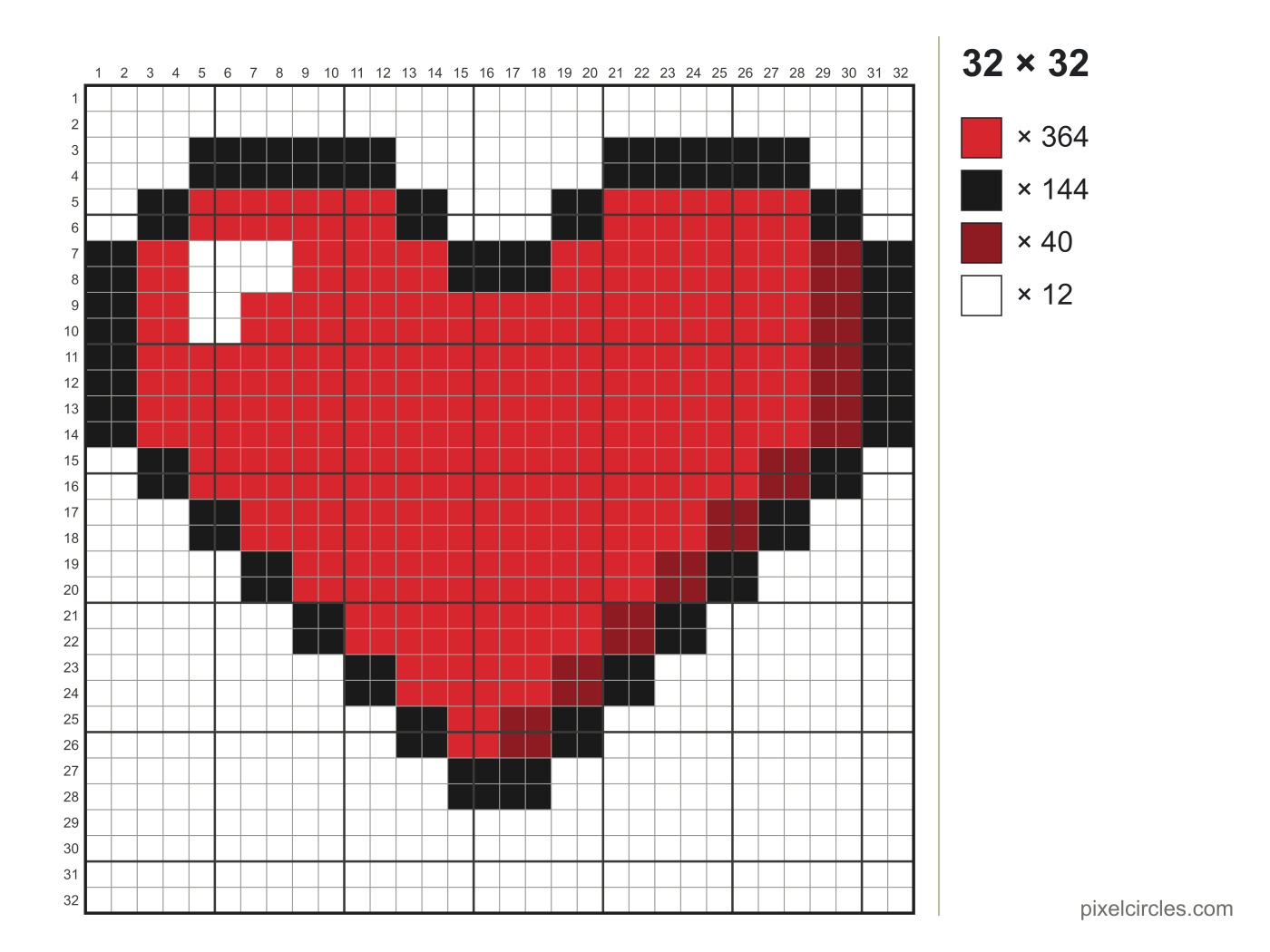
How a pixel art grid works
A pixel art grid is a picture made of equal squares. Each square holds one colour, so the grid tells you exactly what to fill in, one square at a time: on graph paper, in a cross-stitch, on a bead pegboard or in a drawing program.
The maker shrinks your picture to the width you choose, keeps its proportions and gives every square the closest colour in the palette. Transparent parts of a PNG stay empty.
Choosing the colours
- Colours from the picture (8, 16 or 32) picks the colours that matter most in your image. Fewer colours give a cleaner, flatter look; 32 keeps soft shading.
- Standard bead colours (36) is a general set of solid colours close to common 5 mm fuse beads.
- Basic bead colours (12) is a starter set for a first project or a small kit.
- Black, white and greys (5) makes a monochrome grid.
Turn on dithering for photos: it mixes neighbouring colours in a pattern so gradients survive. Leave it off for logos and sprites.
Grid sizes
| Grid | Squares | Size with 5 mm squares |
|---|---|---|
| 16 × 16 | 256 | 8 × 8 cm (3.1 × 3.1 in) |
| 24 × 24 | 576 | 12 × 12 cm (4.7 × 4.7 in) |
| 32 × 32 | 1,024 | 16 × 16 cm (6.3 × 6.3 in) |
| 48 × 48 | 2,304 | 24 × 24 cm (9.4 × 9.4 in) |
| 64 × 64 | 4,096 | 32 × 32 cm (12.6 × 12.6 in) |
| 96 × 96 | 9,216 | 48 × 48 cm (18.9 × 18.9 in) |
| 128 × 128 | 16,384 | 64 × 64 cm (25.2 × 25.2 in) |
16 × 16 is the classic size for icons and game sprites. 32 × 32 has room for a face or a small character. 64 × 64 and larger suit portraits and scenes, but take much longer to fill in by hand. Tall pictures are capped at 256 squares high.
Tips for a clean pixel art grid
- Crop tightly. Empty background wastes squares, so crop to the subject before you choose the picture.
- Start small. Try 32 squares wide first. If details vanish, step up to 48 or 64.
- Fewer colours read better. Eight well-chosen colours often look sharper than 32 close ones.
- Check from a distance. Zoom out or step back from the screen; mistakes show up at a glance.
Blank grids and templates
Need empty squares instead? The pixel art grid generator prints blank numbered grids, and the pixel art templates page has ready 16 × 16, 32 × 32 and 64 × 64 sheets.
Frequently asked questions
How do I turn a picture into a pixel art grid?
Choose a picture, pick a width and a palette, and the maker gives every square the closest colour. Print the grid or save it as a PNG, then fill it in square by square.
What size should a pixel art grid be?
16 × 16 for icons, 32 × 32 for characters, 64 × 64 for portraits. A 32 × 32 grid has 1,024 squares and a 64 × 64 grid has 4,096.
How many colours should I use?
8 to 16 for most pictures. More colours keep the shading but make the grid harder to follow; fewer give a clean, cartoon look.
Can I use the grid for cross-stitch or beads?
Yes. Each square is one stitch or one bead. For fuse beads, the bead pattern maker also counts pegboards and gives the finished size.
Is my picture uploaded?
No. The picture is read and converted in your browser and never sent to a server. A copied link keeps the settings and the sample, not your own image.
Can I print the grid?
Yes. Print sends the grid and the colour list to your printer, and Save PNG downloads the grid with its lines, up to 24 pixels per square.