 PixelCircles
Pixel Art Templates
A 16 × 16 pixel art template has 256 squares, a 32 × 32 template 1,024 and a 64 × 64 template 4,096. Print any of the three blank, numbered templates on one A4 or Letter page, or start from a 16 × 16 heart, sun or mushroom with its colours already filled in.
Blank pixel art templates
16 × 16 templates with a picture
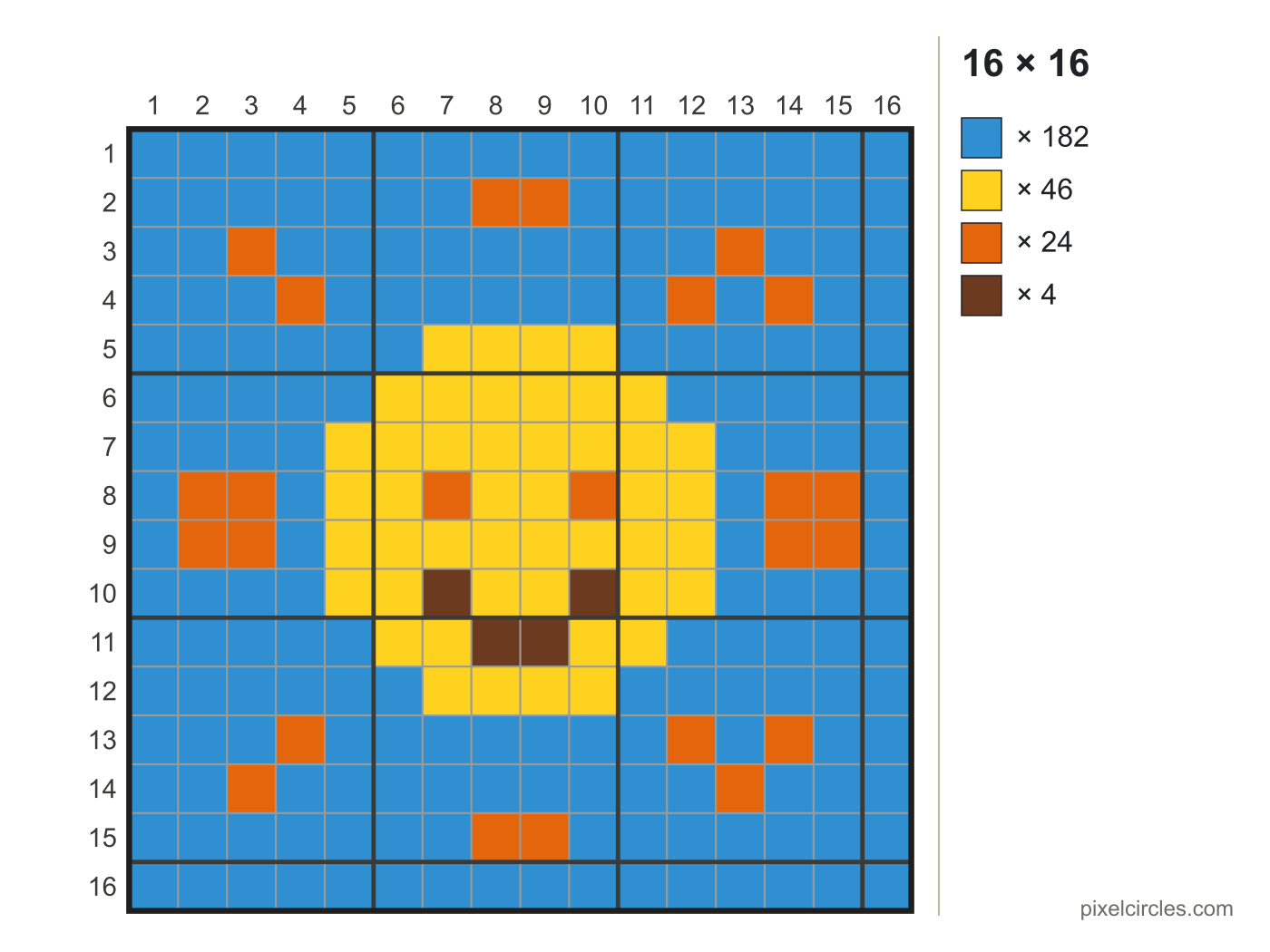
Which template size to choose
16 × 16 is the classic sprite size: small enough to finish in one sitting, big enough for a face, an item or an animal. 32 × 32 gives room for shading, or a small character with a background. 64 × 64 suits detailed scenes and portraits; plan those on screen first.
Template sizes compared
| Template | Squares | Square on A4 | Beads | Large pegboards (29 × 29) |
|---|---|---|---|---|
| 16 × 16 | 256 | 10.3 mm | 256 | 1 |
| 32 × 32 | 1,024 | 5.4 mm | 1,024 | 4 |
| 64 × 64 | 4,096 | 2.7 mm | 4,096 | 9 |
How to use a pixel art template
- Print it at 100 %. Each template is sized to fill one A4 or Letter page.
- Plan in pencil. Mark the outline first, then fill the big areas, then the details.
- Use the numbers. Rows and columns are numbered, so you can copy a design square by square from a screen.
- Turn it into beads or stitches. One square is one bead or one stitch.
Need a different size? The pixel art grid generator makes any grid from 4 to 128 squares a side, and the pixel art grid maker fills one in from your own picture.
Frequently asked questions
What size is a pixel art template?
The usual sizes are 16 × 16 (256 squares), 32 × 32 (1,024) and 64 × 64 (4,096). Most beginners start at 16 × 16.
How do I print a pixel art template?
Press Print under the template you want. In the print dialog choose 100 % or Actual size; each template fits one A4 or Letter page.
Are the templates free?
Yes. Print them or download them as SVG or PNG for your own projects, classes and worksheets.
Can I make a template from my own picture?
Yes. The pixel art grid maker turns any picture into a coloured grid of the size you choose, with a count for every colour.
How many beads does a 32 × 32 template take?
A full 32 × 32 design takes 1,024 beads and spans 4 large pegboards (29 × 29), so many people use 29 × 29 to stay on one board.