 PixelCircles
Pixel Art Grid Generator
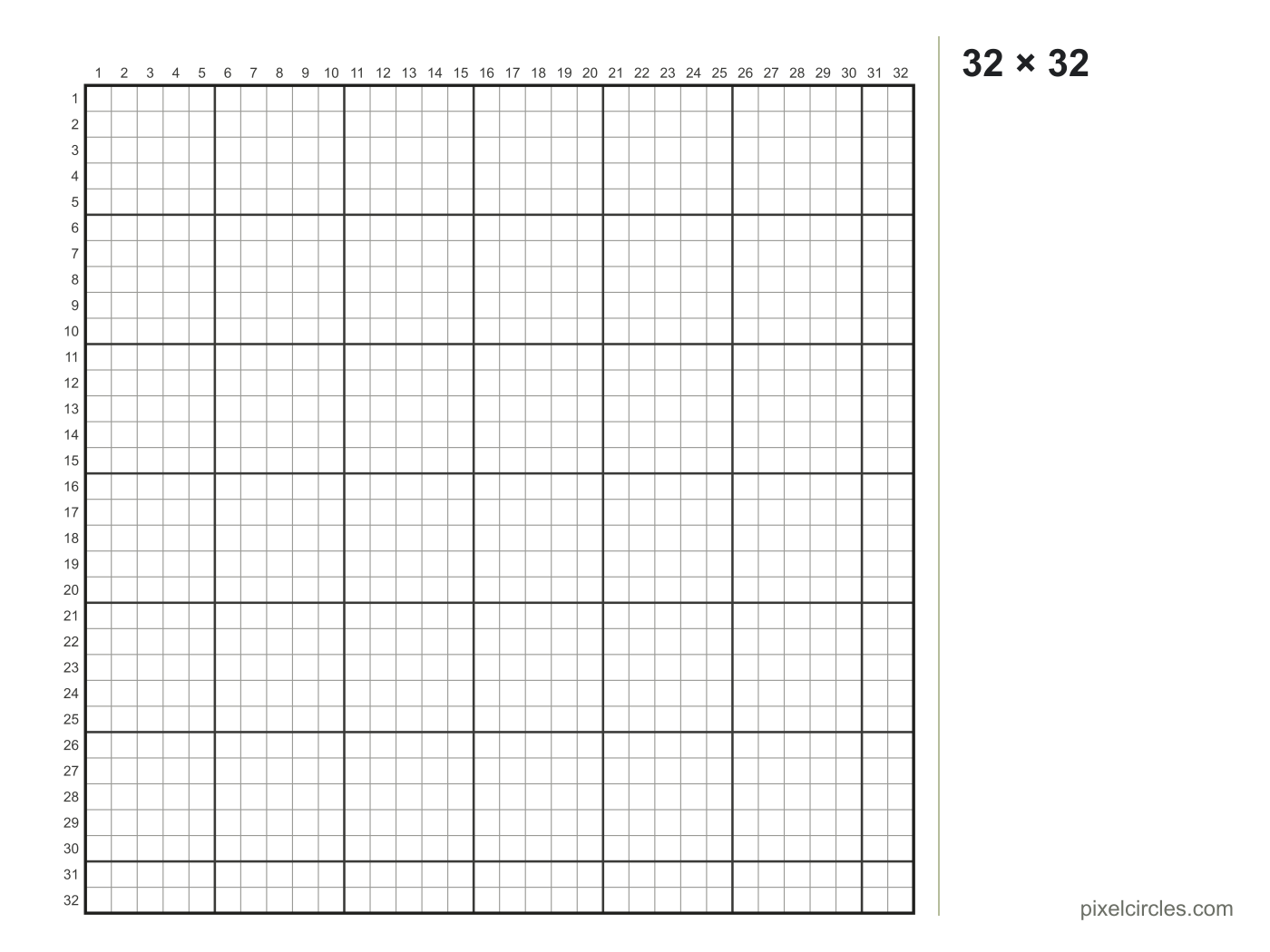
A 32 × 32 pixel art grid has 1,024 squares, and printed on one A4 page each square is 5.4 mm wide; at bead size (5 mm) a 29 × 29 grid is 14.5 cm across. This pixel art grid generator makes blank, numbered grids from 4 to 128 squares a side, ready to print or download.
- Squares
- 1,024
- Pages
- 1
- Square size
- –
- Printed size
- –
In the print dialog choose 100 % or Actual size, so the squares print at the size shown.
Keys: ↑↓ size · E tools
Set the columns and rows, choose how big each square prints, and the generator draws a clean grid with row and column numbers and a thicker line every 5 or 10 squares. Fit it to one page, or print it at a real size like 5 mm for beads or ¼ inch for graph paper; bigger grids split over pages that line up.
How to print a blank pixel art grid
- Set the size. Type the columns and rows, or pick a preset such as 16 × 16 or 29 × 29.
- Choose the square size. Fit to one page makes the squares as big as the paper allows. 5 mm matches fuse beads, ¼ inch matches US graph paper, and 1 cm suits young children.
- Pick the paper. A4 or Letter. The page turns sideways by itself when that gives bigger squares.
- Print at 100 %. In the print dialog choose Actual size or 100 %, not Fit to page, so the squares keep their size.
How big the squares print
| Grid | Squares | Square on A4 | Square on Letter |
|---|---|---|---|
| 16 × 16 | 256 | 10.3 mm | 10.6 mm |
| 29 × 29 | 841 | 6 mm | 6.1 mm |
| 32 × 32 | 1,024 | 5.4 mm | 5.6 mm |
| 48 × 48 | 2,304 | 3.6 mm | 3.7 mm |
| 64 × 64 | 4,096 | 2.7 mm | 2.8 mm |
| 100 × 100 | 10,000 | 1.8 mm | 1.8 mm |
| 128 × 128 | 16,384 | 1.4 mm | 1.4 mm |
The sizes above are for one page with 12 mm margins and the numbers switched on. Switch the numbers off and the squares grow a little.
What to use a blank grid for
- Pixel art on paper. Sketch sprites and icons before you draw them on screen.
- Bead patterns. Print at 5 mm and lay the sheet under a clear pegboard.
- Cross-stitch and knitting charts. One square is one stitch.
- Classroom maths. Area, coordinates and symmetry on a numbered grid.
Want the squares filled in from a picture? Use the pixel art grid maker, or start from the pixel art templates.
Frequently asked questions
How do I print a pixel art grid?
Set the columns and rows, choose Fit to one page or a fixed square size, then press Print. In the print dialog choose 100 % or Actual size so the squares print at the right size.
What is the best grid size for pixel art?
16 × 16 or 32 × 32 for a first sprite. A 32 × 32 grid has 1,024 squares and a 64 × 64 grid has 4,096.
Can I print a grid bigger than one page?
Yes. Choose a fixed square size such as 5 mm and a large grid splits over several pages. Each page keeps the row and column numbers of the whole grid, so the sheets line up.
What grid size matches fuse beads?
Choose 5 mm squares. Most large square pegboards hold 29 × 29 beads, and a 29 × 29 grid at 5 mm is about 14.5 cm across.
Can I download the grid?
Yes. Save SVG keeps sharp lines at any size and remembers the square size; Save PNG gives an image for drawing apps.