 PixelCircles
Bead Pattern Maker
A 29 × 29 bead pattern fills one large square pegboard with 841 beads and is about 14.5 cm (5.7 in) wide before ironing; a 58 × 58 pattern takes 4 pegboards and 3,364 beads. This bead pattern maker turns any photo into a pattern with a bead count for every colour.
| Colour | Beads |
|---|
- Beads
- –
- Pegboards (29 × 29)
- –
- Width × height
- –
- Size before ironing
- –
- Colours
- –
- Placed
- 0 / 0
Drop an image on the pattern, or click a bead to mark it placed.
Everything runs in your browser. The image is never uploaded.
Keys: ↑↓ width · E tools
Colours are a guide: real beads vary by brand and batch.
Make your own perler bead patterns from a photo, a logo or a game sprite. Pick a width in beads and a colour set, and the maker draws the pattern with the number of beads you need of each colour. The patterns fit Perler, Hama and other 5 mm fuse beads, and everything runs in your browser.
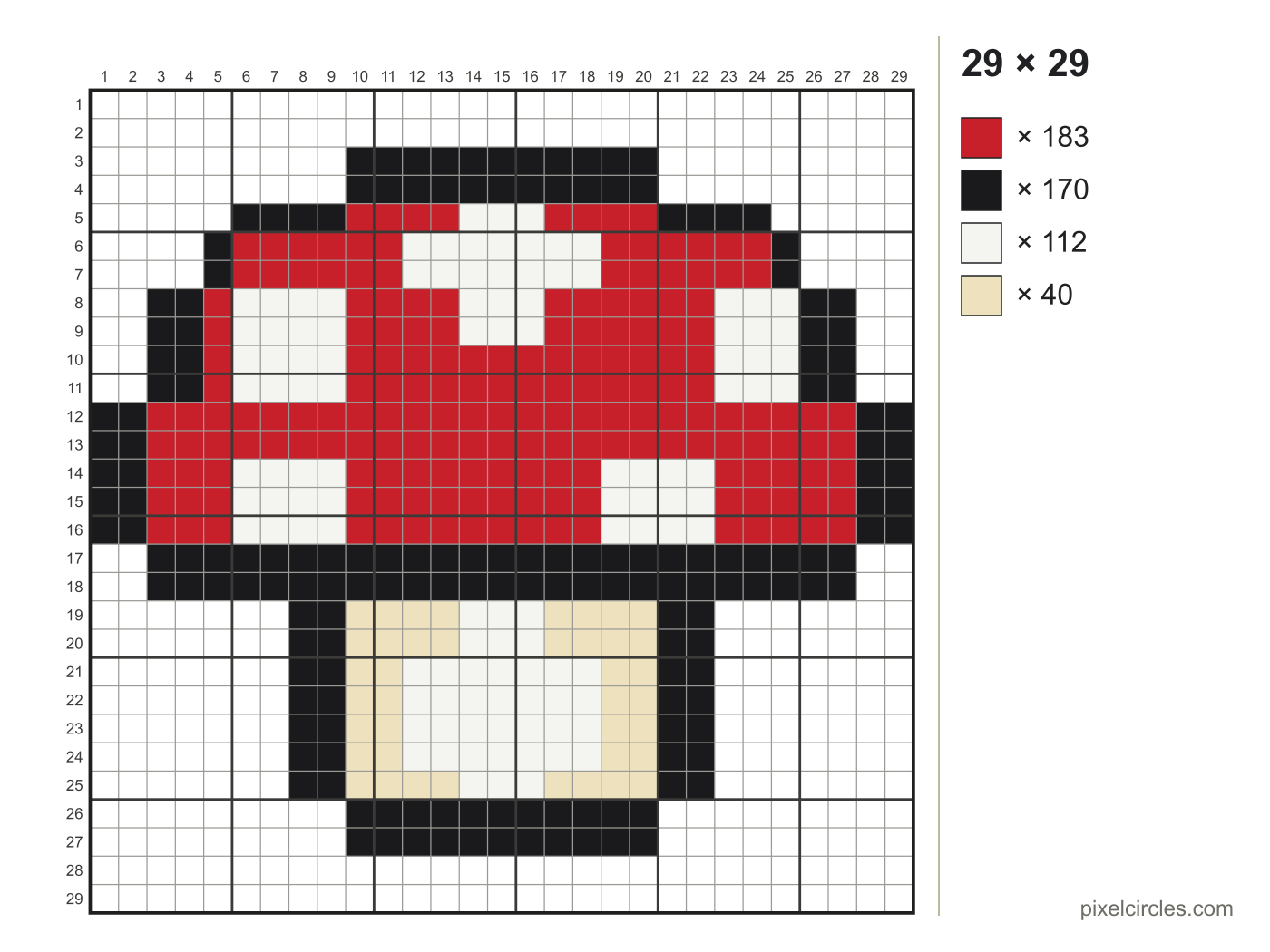
How to make a bead pattern from a picture
- Choose a picture. Simple images with big areas of colour work best: cartoons, logos, pixel sprites.
- Pick the width in beads. 29 beads fills one large square pegboard; 58 fills a block of two by two boards.
- Pick a colour set. The standard set has 36 colours; the basic set has 12 for a starter kit.
- Check the counts. The list next to the pattern shows how many beads of each colour to sort out before you start.
- Print it or save it. Put the printout under a clear pegboard, or keep the PNG open on a tablet.
About the colours
The colours here are a general set close to the solid colours most 5 mm fuse bead brands sell, with plain names instead of brand colour numbers. Real beads vary between brands and batches, so treat the colours as a guide and match them against your own beads.
Pattern sizes and pegboards
| Pattern | Beads | Large pegboards (29 × 29) | Size before ironing |
|---|---|---|---|
| 16 × 16 | 256 | 1 | 8 × 8 cm (3.1 × 3.1 in) |
| 24 × 24 | 576 | 1 | 12 × 12 cm (4.7 × 4.7 in) |
| 29 × 29 | 841 | 1 | 14.5 × 14.5 cm (5.7 × 5.7 in) |
| 32 × 32 | 1,024 | 4 | 16 × 16 cm (6.3 × 6.3 in) |
| 48 × 48 | 2,304 | 4 | 24 × 24 cm (9.4 × 9.4 in) |
| 58 × 58 | 3,364 | 4 | 29 × 29 cm (11.4 × 11.4 in) |
| 64 × 64 | 4,096 | 9 | 32 × 32 cm (12.6 × 12.6 in) |
| 87 × 87 | 7,569 | 9 | 43.5 × 43.5 cm (17.1 × 17.1 in) |
Most large square pegboards hold 29 × 29 beads, so patterns in multiples of 29 fill the boards with no gaps. Ironed beads shrink a little, so the finished piece comes out slightly smaller than the sizes above. Tall pictures are capped at 128 beads high.
Tips for bead patterns
- Outline the subject. A dark outline one bead wide makes a small pattern readable from across the room.
- Skip dithering for beads. Scattered single beads look noisy once ironed. Use it only for photos at larger sizes.
- Leave the background empty. Transparent parts of a PNG stay empty, which saves beads and gives the piece a clean shape.
- Mark as you go. Click beads on the pattern to mark them placed; the Placed counter keeps your place.
Frequently asked questions
How do I make a fuse bead pattern from a picture?
Choose a picture, then pick a width in beads and a colour set. The maker turns every square into the closest bead colour and counts the beads of each colour. Print the pattern or save it as a PNG.
How many beads fit on one pegboard?
A large square pegboard holds 29 × 29 = 841 beads. A pattern 58 beads wide and 58 high needs 4 boards.
How big will my bead pattern be?
Each bead is about 5 mm, so a row of 29 beads is about 14.5 cm (5.7 in) long before ironing. Ironing shrinks it slightly.
Does it work with 5 mm midi beads from any brand?
Yes. The patterns use the common 5 mm bead grid, so they work with Perler, Hama and other midi beads. The colours are a general set, not an official colour chart, so match them against your own beads.
Why do the colours look different from my beads?
Screens and printers show colour differently, and every brand mixes its colours differently. Use the pattern for which colour goes where, and pick the nearest bead you own.
Is my photo uploaded?
No. The photo is converted in your browser and never sent to a server.